
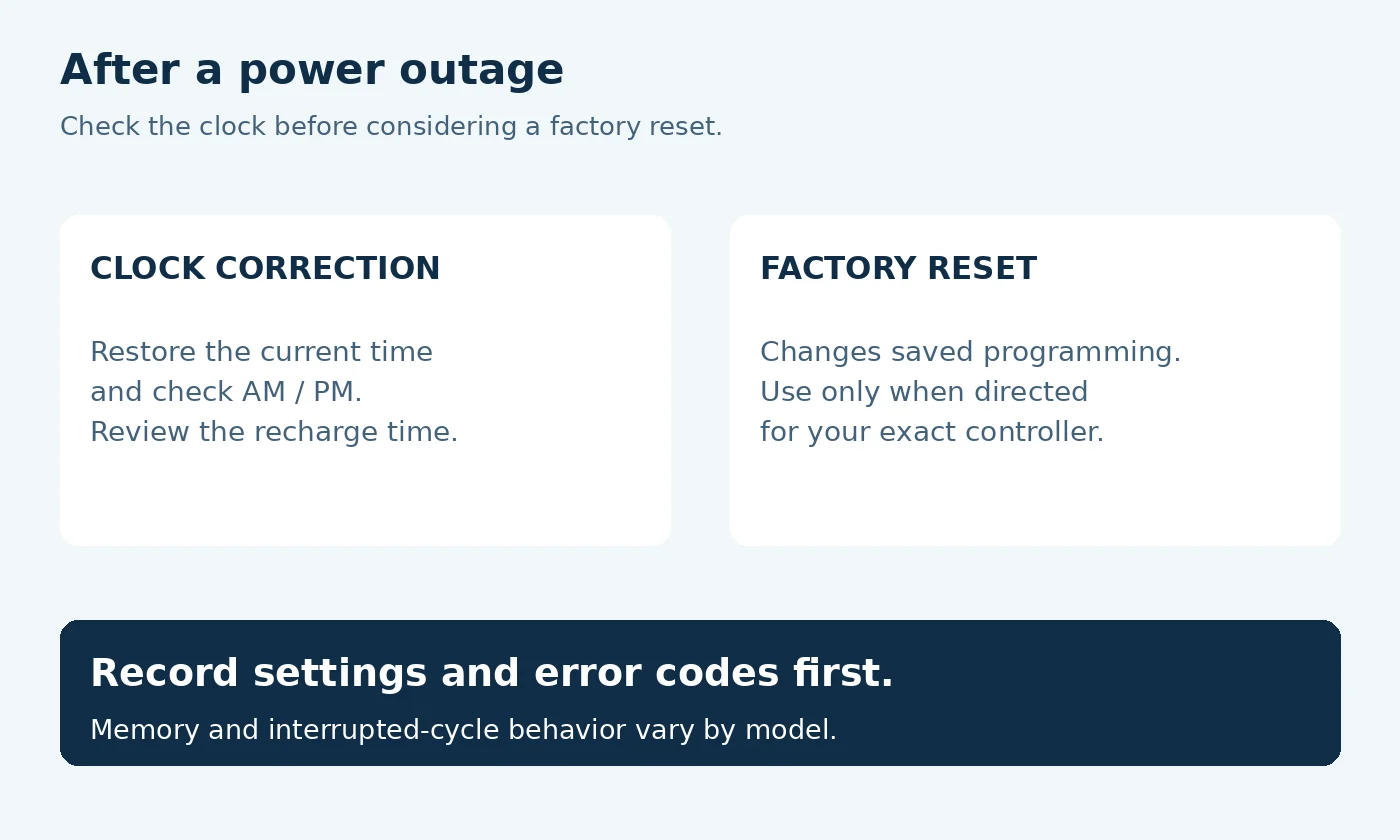
To reset a water softener after a power outage, first check whether it needs only the correct time restored. Once power is stable, record any error, check the clock and saved settings, and follow the recovery instructions for your exact model if regeneration was interrupted. Do not start with a factory reset.
A flashing clock does not necessarily mean all your programming has disappeared. Manufacturers use different backup arrangements, and a unit that lost power during normal service may behave differently from one interrupted during recharge. This guide helps you decide what to check before changing anything.
How to reset a water softener after a power outage
Use this sequence with your owner’s manual open. The aim is to restore normal operation while preserving the installation settings your softener needs.
- Confirm that power is stable and the area is dry. Do not handle a wet plug, damaged cord, or flooded electrical equipment.
- Photograph the display. Save any error code and note whether the clock, recharge indicator, or other symbol is flashing.
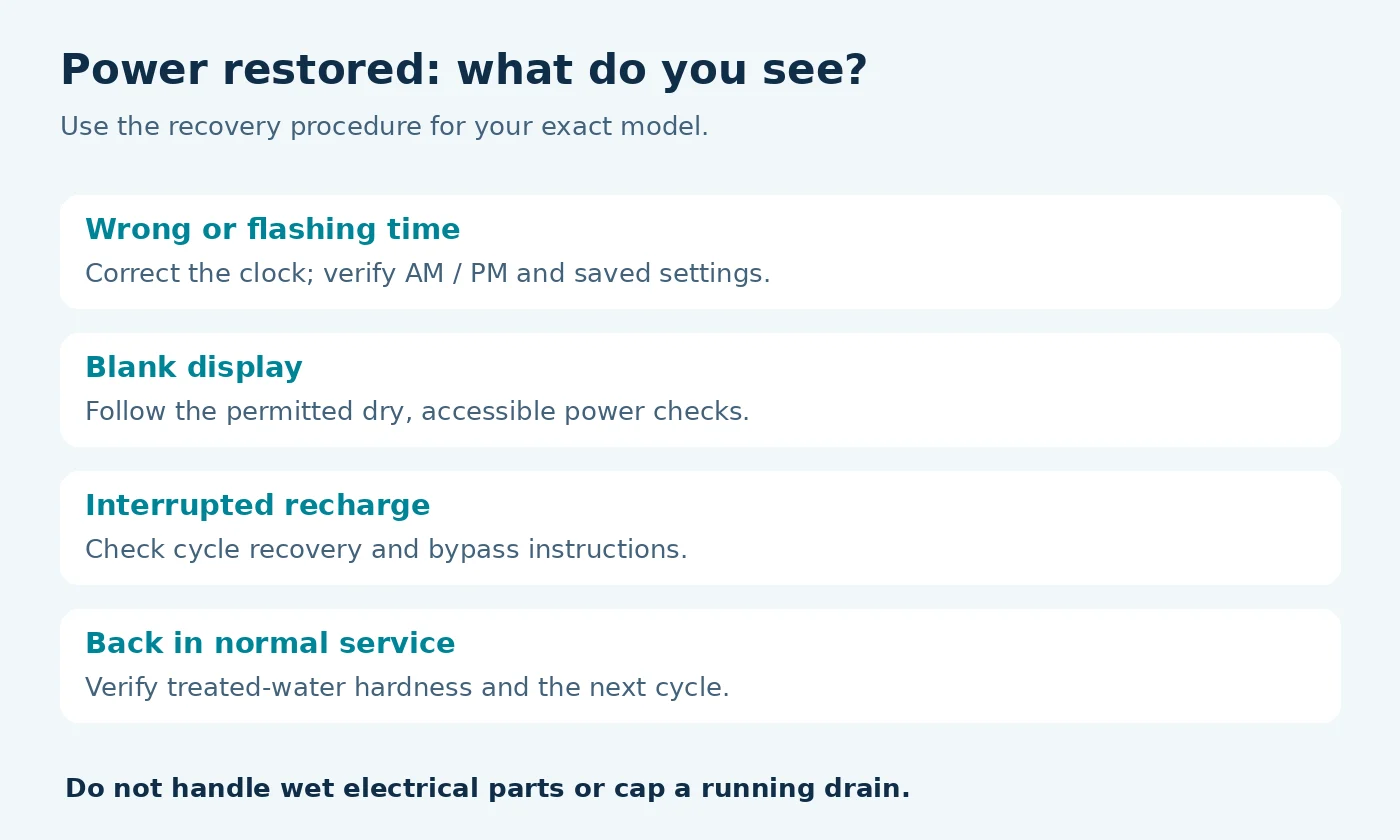
- Check the current time and AM/PM. Correct the clock using the model’s time-setting menu if needed.
- Review the recharge time and hardness setting. Compare them with your previous record rather than guessing replacement values.
- Check the cycle state and bypass position. Follow the model’s recovery procedure if the outage interrupted regeneration or the unit was bypassed.
- Confirm recovery. Look for normal service operation, then check treated-water hardness at the appropriate sampling point.
There is no button sequence that applies to every brand. A long press that starts recharge on one controller may open another menu on a different one. Use the model number from the equipment label to find the correct instructions.
Clock correction, restart, and factory reset are different
| Action | Purpose | When to consider it |
|---|---|---|
| Set the clock | Restore the current time and AM/PM | The display time is wrong or flashing after the outage |
| Power restart | Restart the controller | Only when the model’s troubleshooting instructions call for it |
| Manual recharge | Run a regeneration cycle | The documented recovery procedure or depleted capacity requires it |
| Factory reset | Restore default programming | Only when directed, with the required setup values available |
A factory reset can require re-entering installation settings. Pentair’s 5600SXT manual, for example, distinguishes reset types and master programming. [3] Do not use an unfamiliar reset combination just because the word “reset” appears in a troubleshooting search.
Which settings can survive a power outage?
| Equipment and source | Clock and settings | Interrupted cycle |
|---|---|---|
| Whirlpool WHES40 / WHES44 | Clock memory: “several hours”; hardness and recharge time remain stored. Correct present time if flashing. Manual, p. 15 | Finishes after power returns. |
| GE GXSH40V / GXSH45V | Clock retained up to 24 hours; hardness and recharge time retained. Manual 49-6000299 Rev. 1, p. 21 | Finishes after power returns. |
| Pentair 5600SXT VT softener systems | Time retained at least 48 hours; configuration stored indefinitely in nonvolatile memory. System manual, p. 9 | Saved valve position lets it resume after power returns. |
Memory does not power the regeneration motor. Match the model and manual revision; a brand-wide FAQ time is not an exact specification for a different controller. Check AM/PM and the separately programmed recharge time. Do not change the hardness setting to compensate for an outage.
Does a Pentair 5600SXT keep its settings without power?
For the VT systems covered by the cited 5600SXT manual, configuration remains in non-volatile memory and clock backup lasts at least 48 hours. The display, motor and water-use monitoring stop while power is absent. Those are separate behaviors: retained settings do not mean the unit kept counting household use or could start a new regeneration. Verify the controller and document before applying this example. [3]
What if power failed during regeneration?
Record whether the unit was washing, drawing brine, rinsing, or refilling when power stopped, if you know. If you do not know, note the current display and visible drain behavior rather than trying to infer the valve position from sound alone.
GE warns that the equipment covered by its outage guidance can keep discharging to the drain when a recharge is interrupted, until power returns and the cycle completes. Its guidance describes using bypass to stop that flow and returning the bypass to its operating position afterward. [1] Compare the service and bypass positions with the diagram for your installed valve; do not assume every handle moves the same way.
Pentair’s 5600SXT documentation describes a controller that resumes an interrupted regeneration when power returns. [3] That is a model-specific behavior. Check yours before forcing a new cycle or advancing stages.
Let the documented recovery finish, watching for error messages or abnormal drain flow. Compare the sequence with the regeneration duration for your model. Do not repeatedly unplug the controller, cap the drain hose, or keep requesting new recharges to make it stop.
Do you need a manual regeneration afterward?
An outage alone is not proof that a new manual cycle is needed. Check whether the previous cycle finished, whether treatment capacity may have been depleted, and what the recovery instructions say.
GE’s manual-recharge guidance distinguishes an immediate recharge from one requested for the coming night. [4] Choose the model’s documented option only when a recharge is actually required. Pressing a button to set the time and pressing one to start recharge are separate tasks.
If the unit returned to service and treated water tests appropriately soft, monitor the next automatic cycle. If it does not occur as expected, use our water softener not regenerating checks. Our guide to how often a softener regenerates explains why the interval can vary with demand.
What to do if the display stays blank
A blank display after the rest of the house has power needs a power-supply check, not blind reprogramming. Look only at accessible, dry connections and follow the electrical checks permitted by the owner’s manual.
GE’s no-display guidance directs owners to check the power supply and outlet; if an outlet has no power despite a good fuse or breaker, it calls for an electrician. [5] Do not open the controller or substitute an adapter just because its connector fits. If a breaker repeatedly trips, wiring is damaged, or moisture is present, stop and get qualified help.
For support, record whether the screen is completely dark, briefly lights and shuts down, or shows a repeatable code. Include the model, serial number, outage duration, and whether a regeneration was underway.
Power-outage recovery record
Record the display before changing it and compare with your previous settings. This record does not reset or operate the equipment.
Open the fill-in record and download a copy
Use “unknown” for details you cannot confirm. Entries stay in this page and are not submitted by this tool. Download a text copy before leaving; reloading clears the record.
No record prepared yet.
JavaScript is off. Copy the field labels into your own notes and keep your record there. The download buttons require JavaScript.
Verify that softening has recovered
The clock working again confirms only that the display and time setting are functioning. Check the actual treatment result too.
- Confirm the equipment has returned to its normal service state.
- If you moved a bypass, restore it only as the recovery instructions direct.
- Follow the manufacturer’s waiting or flushing instructions before sampling.
- Test a cold-water outlet known to receive softened water and record the units.
- Monitor the next automatic regeneration or cycle history, if available.
Use our guide to testing water hardness at home for sampling basics. Water already stored in the plumbing or water heater can delay what you notice at a fixture, so do not judge recovery solely by how a hot shower feels.
If regeneration completes but hardness remains high, check the salt and brine side using our not-using-salt troubleshooting guide. Record the results instead of scheduling repeated cycles without a diagnosis.
Water use while the controller is unpowered
Some systems can continue softening with their remaining resin capacity while unpowered, but that does not mean they can start another regeneration. Water availability also depends on the supply; an electric well pump may be unavailable during the same outage.
Sources and model-specific instructions
Reviewed September 28, 2026. Use the instructions for your exact controller and installed bypass assembly.
- GE Appliances: Water Softener Power Outage Memory
- Whirlpool: Owner FAQ, power interruption backup
- Pentair: 5600SXT Softener System Operation Manual
- GE Appliances: Manual Recharge
- GE Appliances: No Display
Updated October 27, 2026: added a fill-in power-outage recovery record with a downloadable text copy. Manufacturer-based guidance is not a report of hands-on testing.