
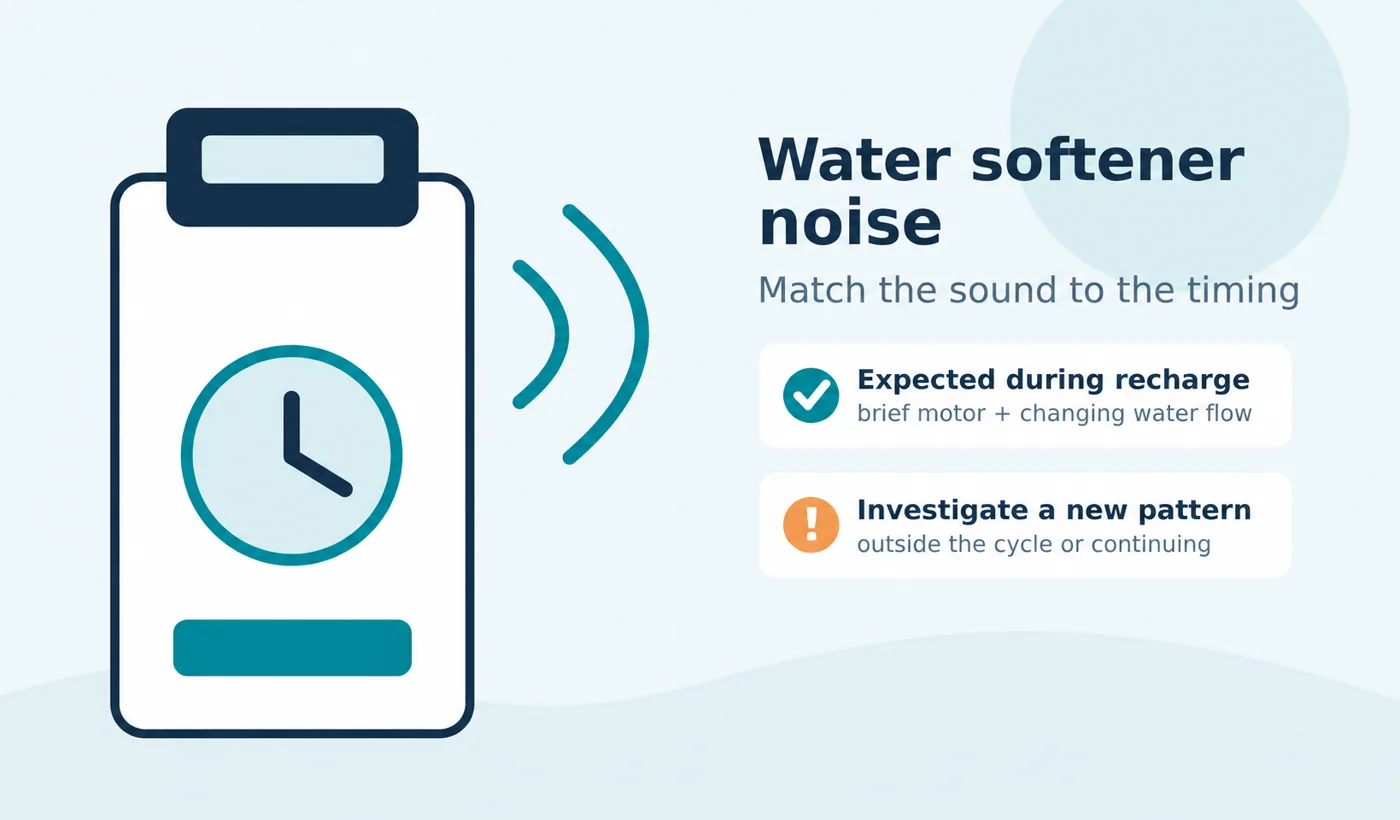
A water softener making noise is not automatically malfunctioning. During regeneration, many units briefly run a motor and send water to a drain; the sound can change as the valve moves between stages. A new sound during normal service, a repeated bang, vibration, a leak, or water that keeps running after the cycle should have ended deserves closer attention. [1] [2]
Start by noting when the sound occurs, where it is loudest, and what the controller displays. Do not diagnose a part from the sound alone: cycle design, terminology, and normal operating sounds vary by model.
Which water softener noises can be normal?
Normal sounds are tied to a known action and stop or change when that action ends. GE explains that its softeners use several recharge stages and that the motor starts and stops rather than running constantly. Whirlpool likewise says that, on the models covered by its support article, the motor is heard for only a few seconds at a time while heavy drain flow is heard during a later portion of the recharge. Those observations are useful examples, not a universal soundtrack or timing specification. [1] [2]
| Sound or observation | When it may be expected | What makes it worth investigating |
|---|---|---|
| Brief motor or gear sound | As the control valve moves at the start of recharge or between stages | It repeats without the valve advancing, becomes unusually harsh, or accompanies an error |
| Water rushing to the drain | During backwash or rinse on models that discharge water in those stages | It continues after the unit should be back in service |
| Lower, steadier water flow | During brine draw or a slow-rinse stage, depending on the model | The brine level does not change as the manual specifies, or the sound never transitions |
| Tank or cover creak | Rheem notes that the plastic cover may shift and make noise during its fill check | The sound is actually a crack, leak, or movement of a pipe or connection |
| Click at a scheduled time | A controller or valve begins a programmed cycle | The display shows an error or the cycle repeatedly restarts |
Use the display to distinguish fill, draw and rinse. For an unexpectedly high tank level, use the high-water guide; for timing, compare regeneration duration. A sound alone cannot confirm either condition.
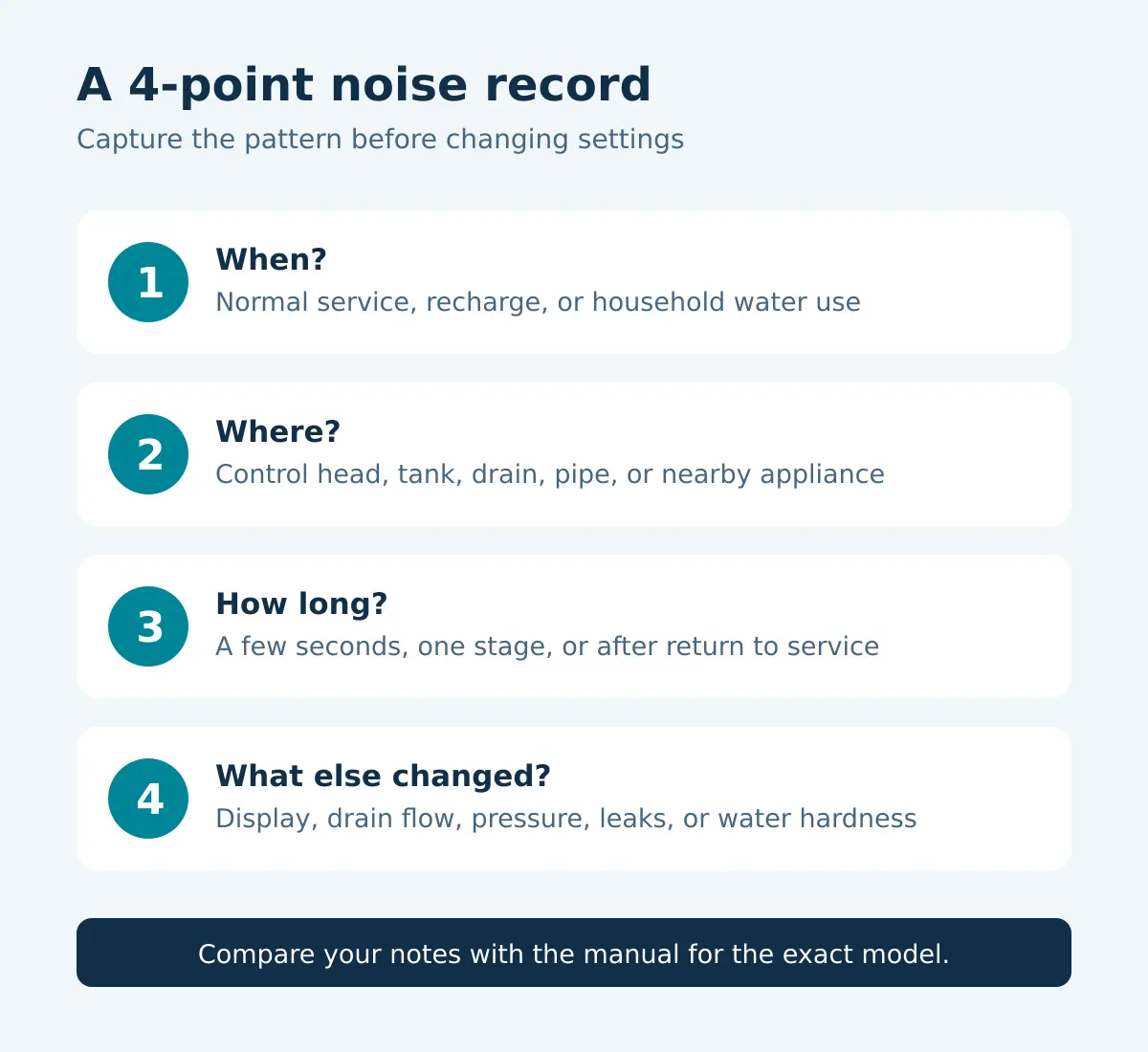
A quick diagnostic: sound plus timing
- Check the operating state. Is the unit in normal service, waiting for a scheduled recharge, or actively moving through a cycle? Copy the exact display wording.
- Locate the sound. Listen without touching the equipment. Decide whether it is loudest at the control head, salt tank, drain, nearby pipe, or another appliance.
- Time the pattern. Note whether it lasts seconds, one stage, the full cycle, or continues after the display returns to service.
- Look for a second symptom. Record drain flow, leaks, an error code, pressure changes, unusually high tank water, or hard-water results.
- Compare with the exact manual. Search by model number, not appearance. Follow only the checks the manufacturer permits for that model.
Before forcing a manual cycle, check whether the observed regeneration frequency fits the model and household use. Repeatedly starting recharge can add water and make the original symptom harder to interpret.
What different unusual noises may point to
Banging or pipe movement
Record whether the bang follows a fixture closing or the softener valve changing stage. Visible pipe movement, a leak or a pressure change merits a plumber’s assessment; sound alone cannot identify the cause.
Persistent buzzing, clicking or grinding
Note the stage and any error. A brief movement sound differs from repeated noise without cycle progress. Give support the recording before ordering a motor or gear. Do not force or open the control head without the model’s procedure.
Running water after return to service
Confirm that regeneration has finished, then follow the continuous-draining diagnostic. An interrupted cycle can leave some GE equipment discharging until power returns. [6] Use the model’s isolation procedure; unplugging is not a universal way to stop flow.
Rattling or vibration
Observe contact between the cabinet, hose, pipes and nearby objects, and whether vibration occurs only during heavy drain flow. Do not move a pressurized connection while operating. Record damage or loose fittings for service.
Electronic beeping versus a mechanical buzz
A repeated electronic tone needs a different check from motor vibration or flowing water. Note whether the sound comes from the display area, copy any message, and distinguish a single button-confirmation tone from continuous beeping. Do not assume that every beep is a low-salt reminder.
Rheem has a separate continuous-beeping diagnostic for its covered equipment. It branches between controls and connected components; the tone alone does not identify a replacement part. Use the matching support procedure or send support a recording rather than applying those internal checks to a different controller.
When to stop troubleshooting
Stop if water is escaping, electrical parts are wet, a tank or fitting looks damaged, or pressure changes severely. Use the documented bypass or shutoff only if you can identify it safely.
Request service for recurring errors, a valve that cannot return to service, continued discharge outside the cycle, or lost softening after approved checks. Send the model, serial number and observation sheet below.
Noise and cycle record
Record an existing observation only. Do not start a cycle, remove a cover or approach wet electrical equipment to obtain a better recording.
Open the fill-in record and download a copy
Use “unknown” for details you cannot confirm. Entries stay in this page and are not submitted by this tool. Download a text copy before leaving; reloading clears the record.
No record prepared yet.
JavaScript is off. Copy the field labels into your own notes and keep your record there. The download buttons require JavaScript.
A phone recording from a safe position can help support match the sound to the display and timing. A recording is evidence from your installation, not proof of a failed component.
Sources and model-specific guidance
Manufacturer guidance reviewed September 26, 2026. Check the manual for your exact model before operating a bypass, starting a recharge, or opening any component.
- GE Appliances: How a water softener works and sounds during recharge
- Whirlpool: Recharging message and expected motor/drain sounds
- Rheem: Checking the fill stage
- Rheem: Backwash flow test
- Rheem: Constant draining
- GE Appliances: Power interruption during recharge
Updated October 27, 2026: added a fill-in noise and cycle record with a downloadable text copy. Manufacturer-based guidance is not a report of hands-on testing.
Editorial review November 7, 2026: clarified electronic beeping versus mechanical noise. Documentation-based guidance; no hands-on test is claimed.